Take Off - The Flight Simulator
This was the first project I was responsible for immediately after joining the studio, where I had to show versatility and ability to learn quickly, as in a very short time I experienced many aspects of the game production process and was responsible for every feature available in the game.
Here's an overview:
Port from Mobile to PC: Led the redesign from mobile to PC, adjusting features like camera positioning and controls to suit the platform's capabilities.
UI/UX Redesign: Adapted the UI for mouse, keyboard, and gamepad, adjusting navigation flows and implementing new control support.
Game Balance Overhaul: Reworked the progression system for a premium model, removing in-app purchases and encouraging longer play sessions.
Level Design Enhancements: Improved visuals and performance with higher quality textures, extended draw distances, and post-processing for PC.
Game Design
Complete conversion and redesign from mobile platform to PC
Take Off was originally published as a mobile game, available on both Google Play and App Store. To ensure that the game plays well on the PC and can provide a similar experience, all of the existing features and functionalities had to be looked at and appropriately adjusted for the new platform. Almost all of the areas in the game, starting from the position of the cameras in the cockpit all the way to the improved game controls, had been at least tweaked to account for the more possibilities offered by the PC platform.
UI/UX Design
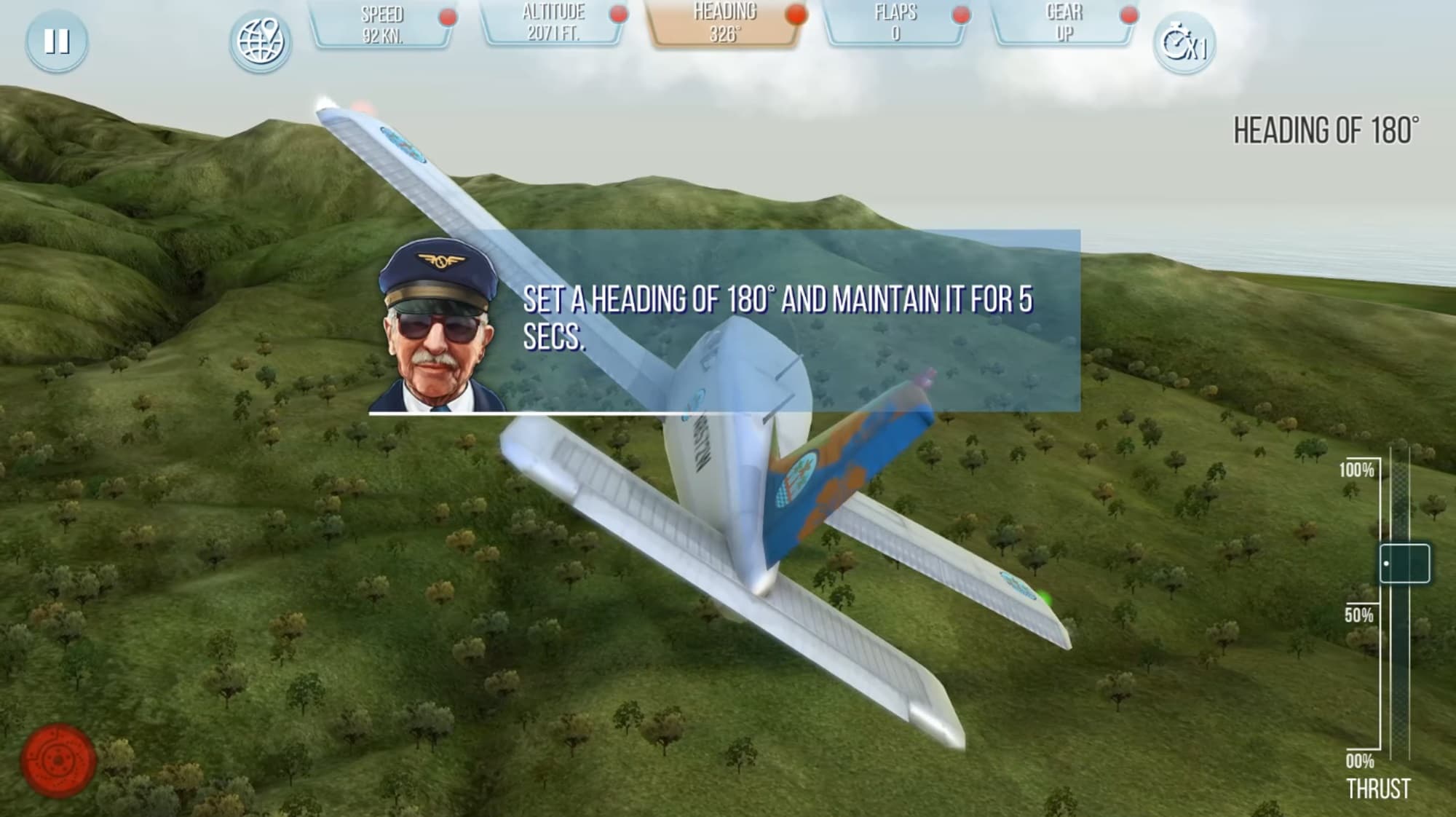
With the switch from the touch controls to the more classic modes of navigation using the mouse and keyboard as well as the gamepad controller, some elements of the UI had to be changed and adjusted accordingly to support new controllers.
From the design perspective, one of the main tasks was to properly setup all navigation flows between the individual buttons. Additionally, all buttons in the game were reworked to support highlighting as well as displaying the icons of using the game pad.
Game Balance
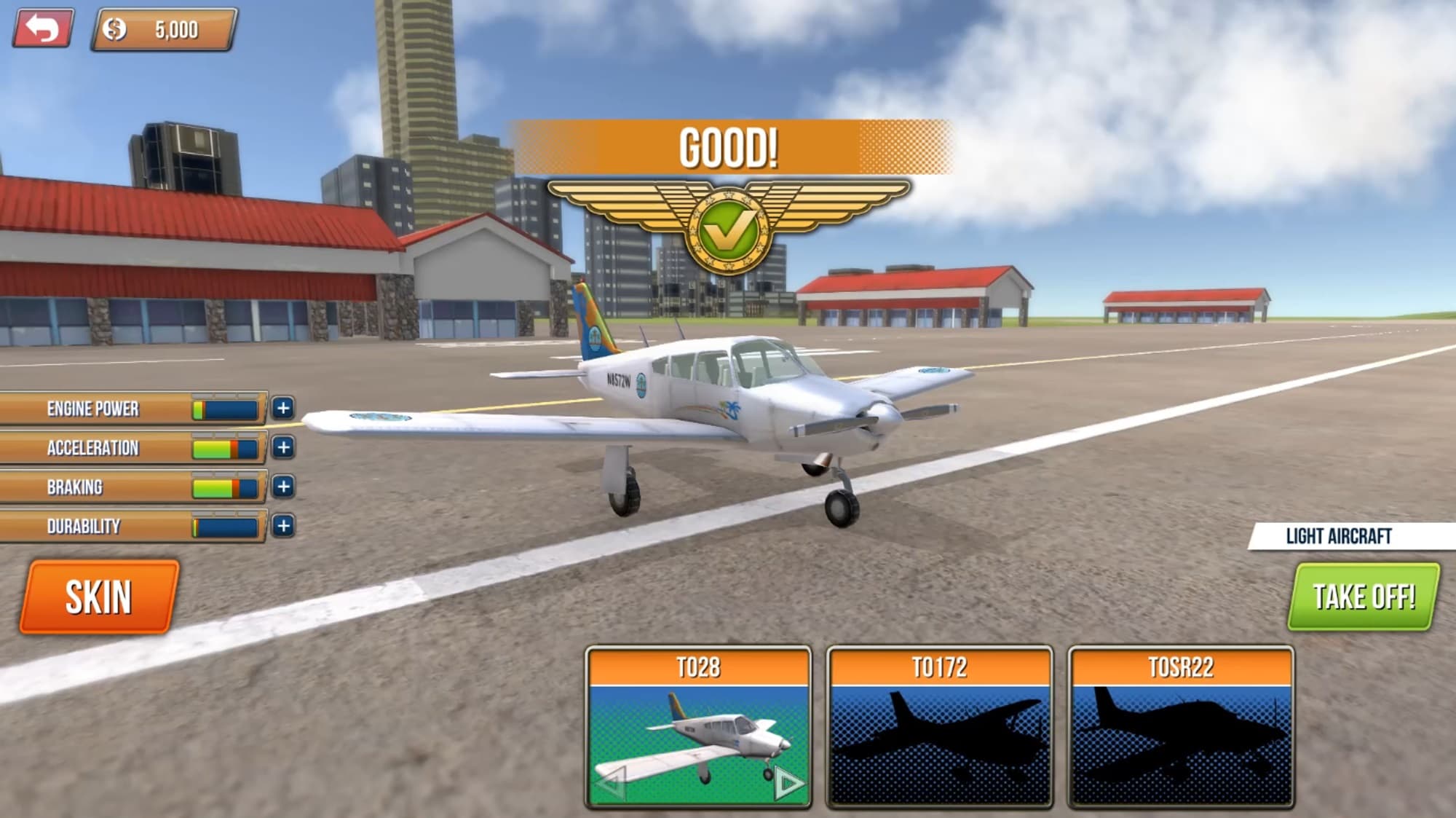
Redesigning from F2P game with in-app purchases to premium game
The fundamental change in the game balance of the PC version of the game was the decision to completely remove in app purchase, as the game would be available in a premium model. This meant that the whole progression system had to be reworked and tailored more to the casual PC player.
The platform change also meant the change in the target audience and different expectations and behavior patterns of the players. Instead of short, but frequent sessions from the mobile version of the game, the PC version had to offer and encourage longer play sessions. This was achieved by streamlining the progression system and allowing the players to complete the whole game without needing to replay missions or buy virtual currency. However, only the most skilled and persistent players could unlock all of the planes, skins and upgrades.
Level Design
Because of the platform change, it was possible to enhance some of the features and functionalities of the game regarding the level design aspects. The conversion allowed to introduce post processing volumes improving the visuals of the game, increasing draw distances and adjusting the LODs for overall better quality. Some maps were additionally improved by adding more objects and textures of the higher quality.